Restore access Deleting a previously created account
Verification code has been sent to .
If you enter your code correctly, you will be automatically redirected to your original account to continue with your registration. In case correct verification code, a previously created account will be deleted automatically and you can continue to register.
In order to recover the access to your account enter one of the following details:
E-mail, Phone Number, Login ID or Certificate Number
An access recovery code will be sent to the e-mail address and phone number specified in the Profile section of your account. If you have not received the message within 10 minutes, please check the SPAM box. If you have really not received the recovery code, neither by e-mail nor SMS, or if you don't remember your registration details, please consult our customer support service or contact us via Skype.
An access recovery code will be sent to the e-mail address and phone number specified in the Profile section of your account. If you have not received the message within 10 minutes, please check the SPAM box. If you have really not received the recovery code, neither by e-mail nor SMS, or if you don't remember your registration details, please consult our customer support service or contact us via Skype.

|
Do you really want to delete your account?
After removal you will not be able to regain access to it |
|

|
19
november
2025
|
|
|
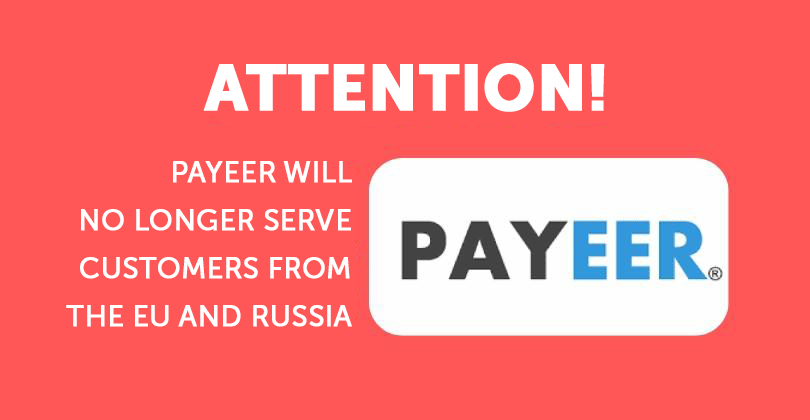
At the end of October, Payeer announced that it would stop working with the Russian Federation and the European Union due to sanctions. Starting from November 24, 2025, transactions on accounts of users from the Russian Federation and the European Union will be suspended, and access to the service will be restricted.
The restrictions only apply to citizens of the Russian Federation and the European Union. In other countries, Payeer will continue to operate, but without the RUB currency! If you are from the Russian Federation or the European Union and have funds on your Payeer account, please withdraw or use them immediately! Make sure to do this before November 24th! The exchange fees for withdrawing from Payeer have already skyrocketed, reaching an exorbitant 30%... and they will only get higher closer to November 24th... At Whole World, we plan to keep Payeer and continue accepting payments and making withdrawals to Payeer accounts in USD, including after November 24th! That's why you can use Payeer funds to your advantage in WW: - to activate or renew your participation in the Whole World Marathon and Relay - to connect the Business Machine service (get partners without invitations) We strongly recommend that you don't delay emptying your Payeer balance and wait until November 24... If you need assistance with this, please contact us. |